With the Dstny app, you can manage your availability on your mobile phone. Below, you’ll find how to install the app.
How to install
-
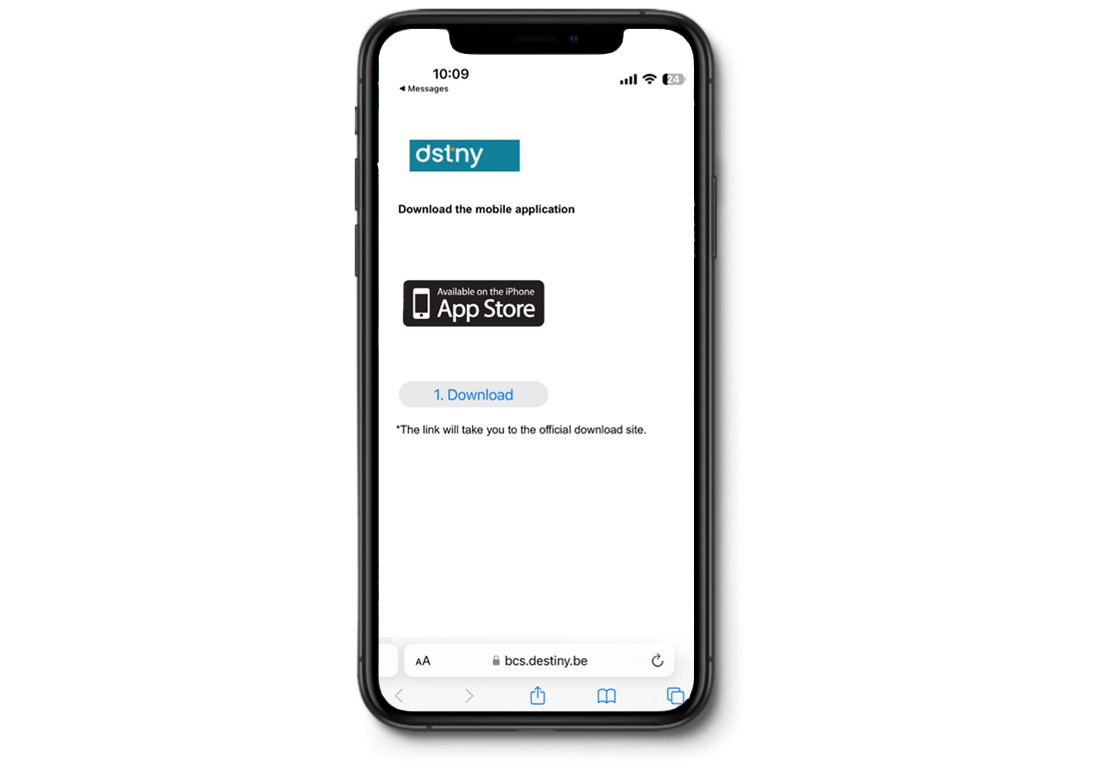
Once your Dstny SIM card is activated, you will receive an SMS with a link. Click on it. You will be redirected to this page.
-
Click ‘Download’ to install the app via the App Store or Google Play Store. Install the app on your phone.
-
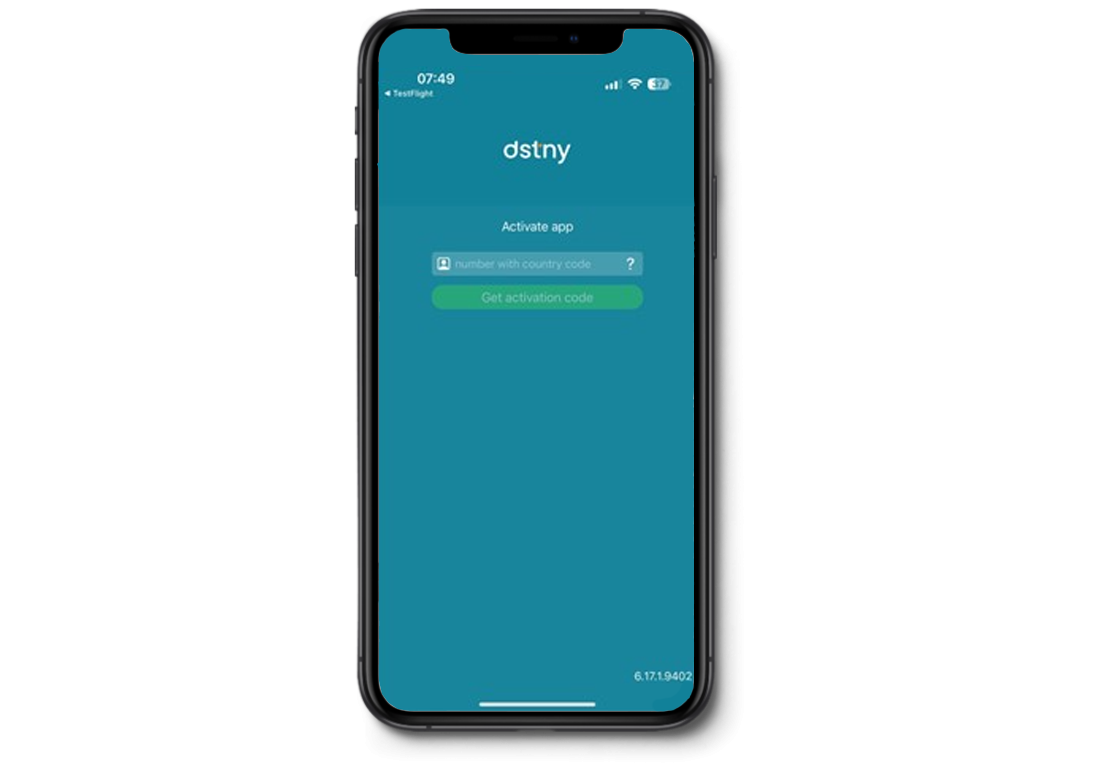
Once installed, open the app and enter your mobile number, including the country code (e.g. +32123456789).
-
Tap ‘Receive activation code’. An activation code will be sent to you via SMS and, if applicable, also by email.
-
Enter the activation code in the app and press ‘Activate’.
-
Once the activation code has been validated, you can start using the application and access all features.
-
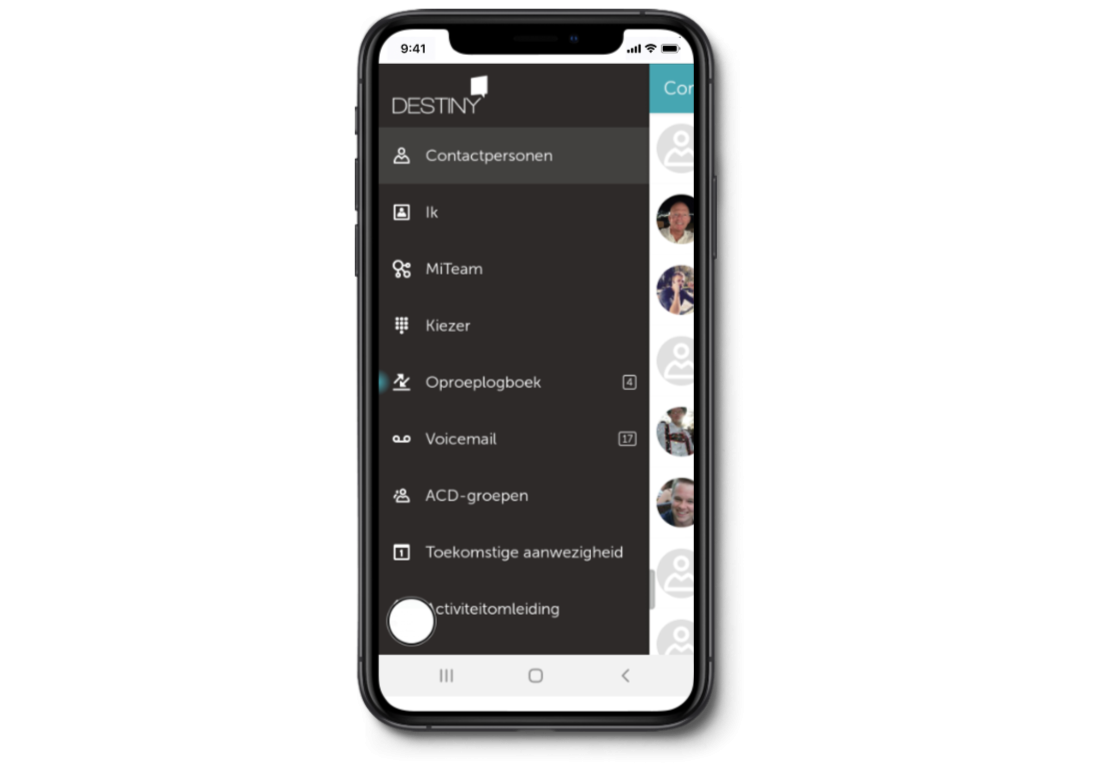
Under ‘Me’, you can adjust your personal settings:
Caller ID
This is the number external contacts see when you call them. You can choose between:
-
Your personal landline number
-
Your company’s main number (if configured)
-
Your private mobile number
Your role
-
Choose ‘Private’ if you want your contacts to see your private mobile number when you call them.
-
Choose ‘Business’ if you want your contacts to see your personal landline number or your company’s main number.
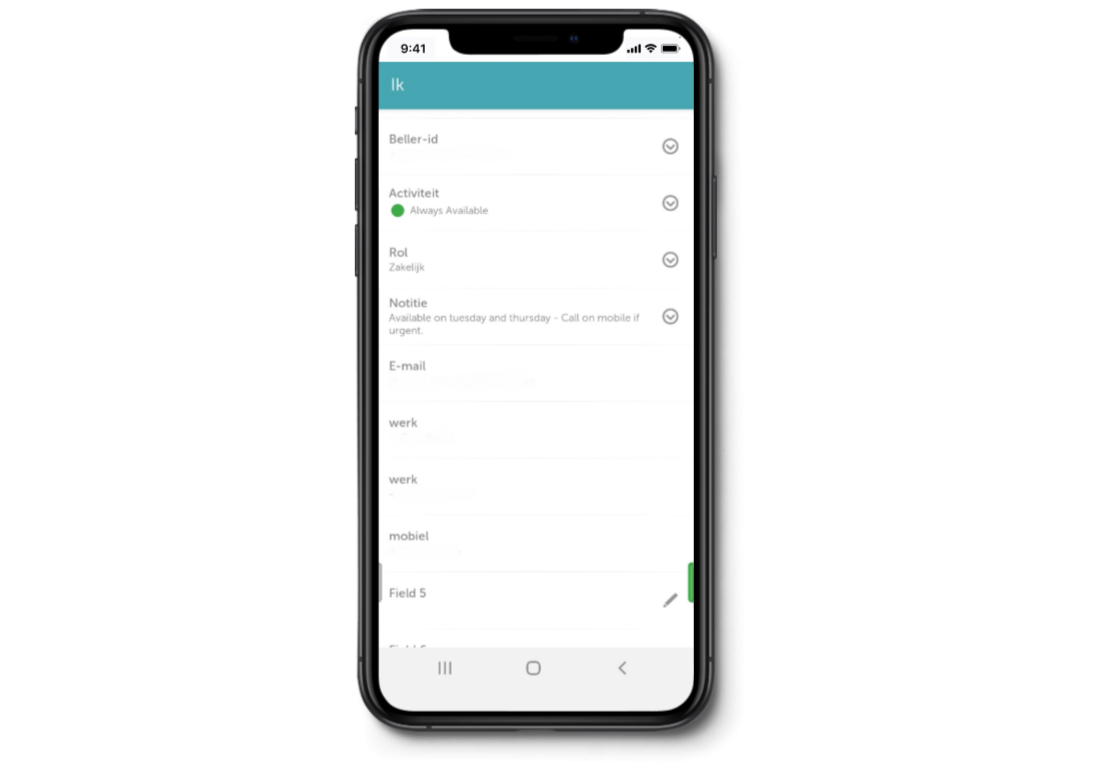
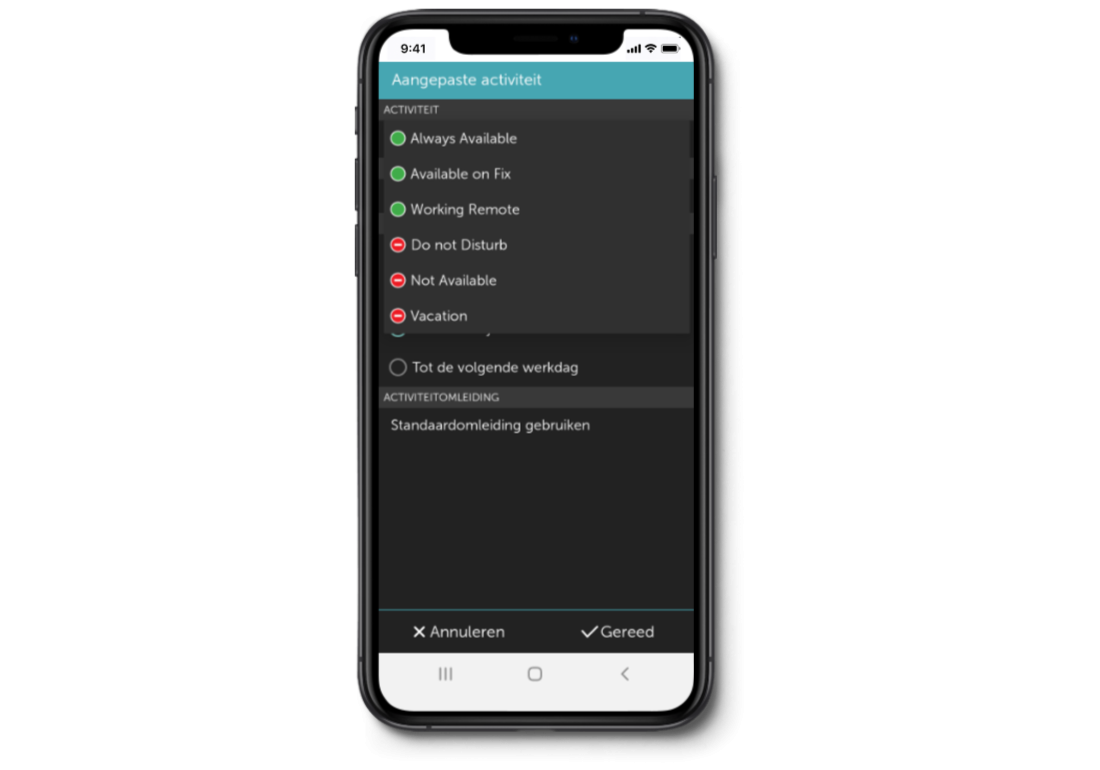
Your activity
-
Always available: calls to your landline number ring on all your devices (mobile, desk phone, and softphone)
-
Available on Fix: calls go to your desk phone and softphone — not to your mobile phone
-
Working Remote: calls go to your mobile phone and softphone — not to your desk phone
-
Do Not Disturb: calls go directly to your voicemail
-
Vacation: calls are forwarded to your company’s main number (if configured)