
Calling via your computer? The easiest way is with a headset. Here we explain how to install a new Plantronics headset and connect it to your Dstny Softphone.
Note! Always charge your headset before connecting it to your Softphone.
How to install
-
Plug the USB cable or dongle into your computer’s USB port.
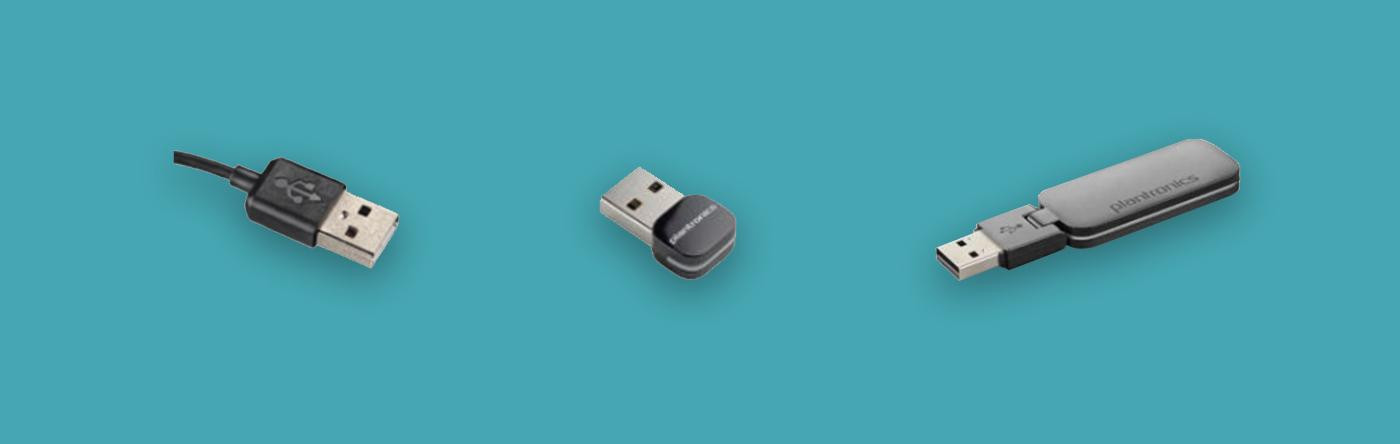
Your computer will automatically install the correct drivers. A pop-up window may appear in the bottom-right corner of your taskbar. The installation may take a few minutes.
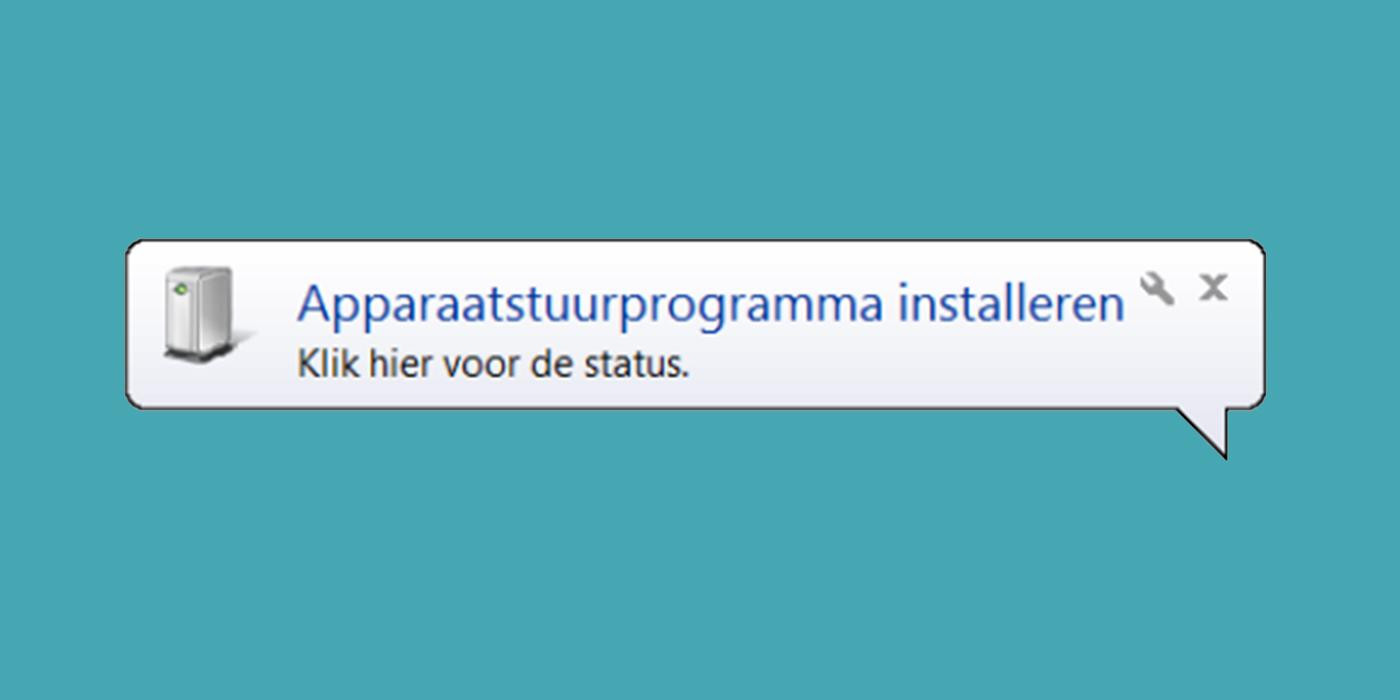
-
Once the drivers are installed, this pop-up may appear.
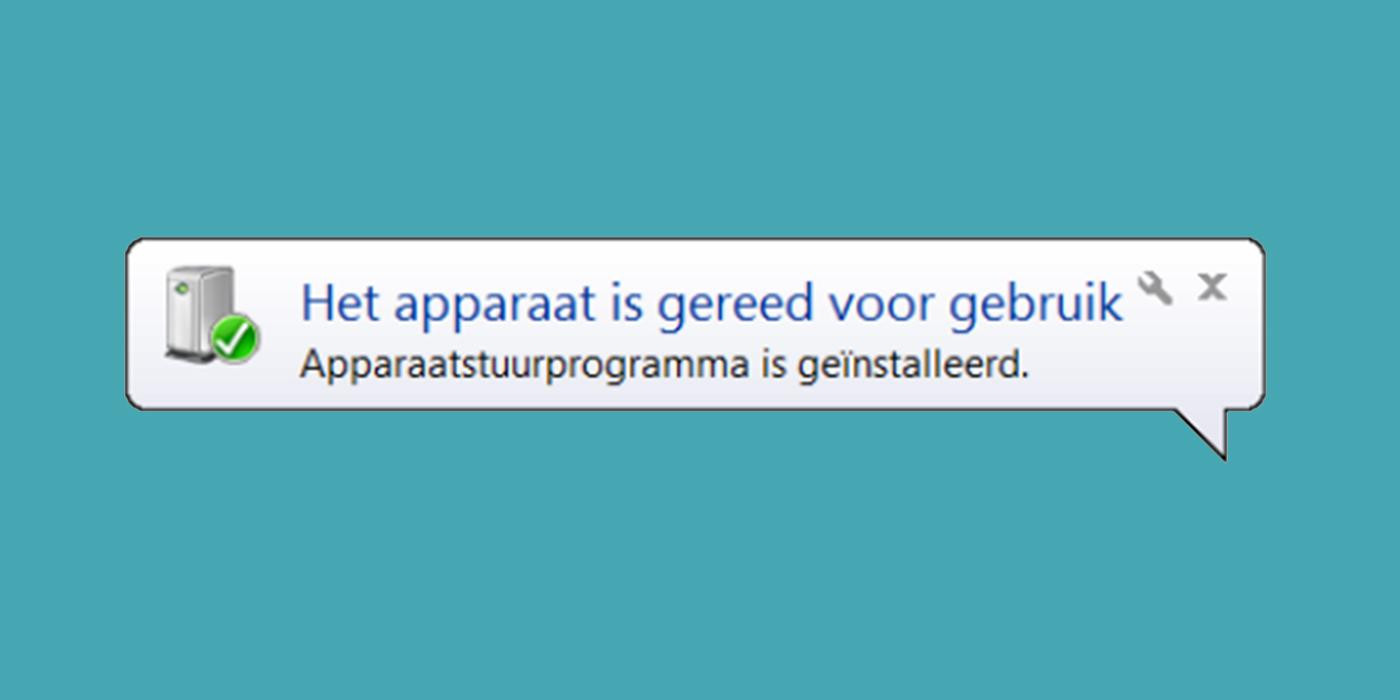
Connect your headset
To connect your headset to the Softphone, follow these steps:
-
Open the Dstny Softphone.
-
In the top-left corner, go to ‘Tools’, then select ‘Options’.
-
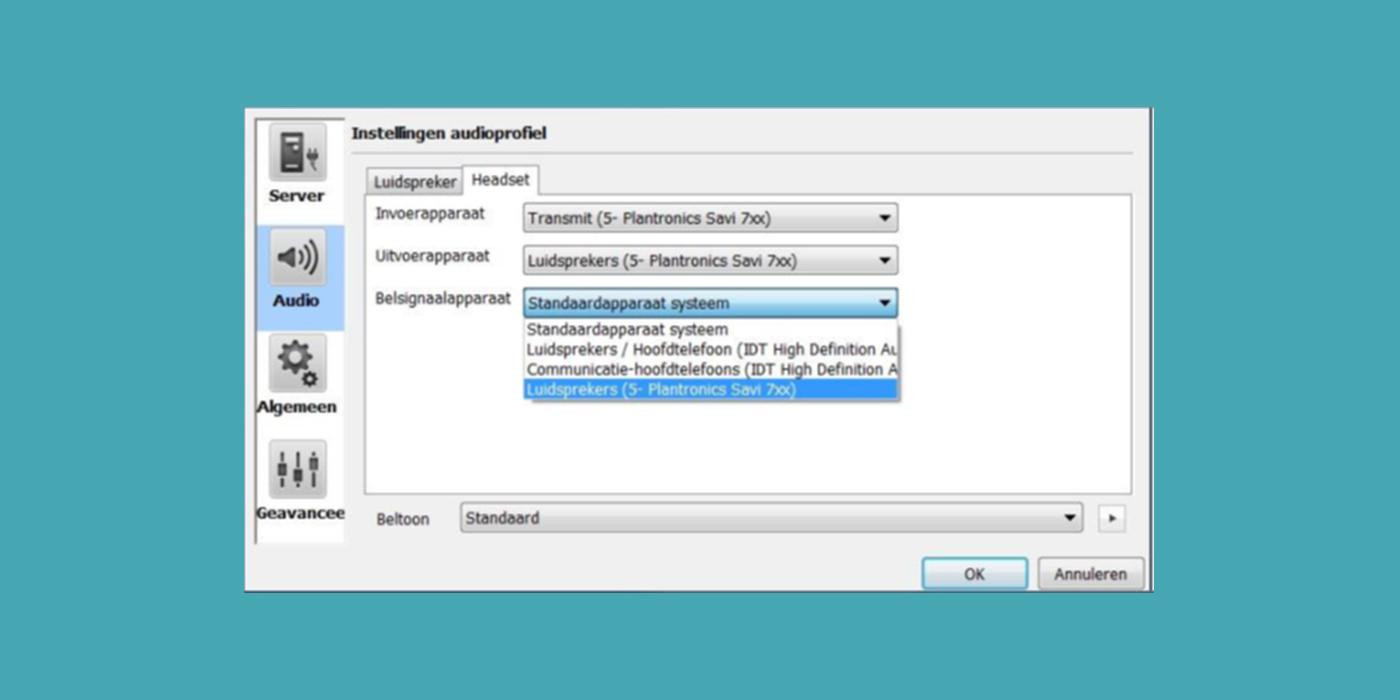
Go to the ‘Audio’ tab. You can make calls in two ways with the softphone: via your computer’s microphone and speakers, or via your headset. That’s why there are two audio profiles:
-
Speaker profile
-
Headset profile
-
Want to switch between audio profiles? Click the icon in the bottom-left corner of the Softphone.